What is ActionEko?
ActionEko is SeoSamba’s AI-powered CRM action assistant. It analyzes customer interactions, AI sentiment, account activity, and related CRM signals to help your team identify situations that may require follow-up.
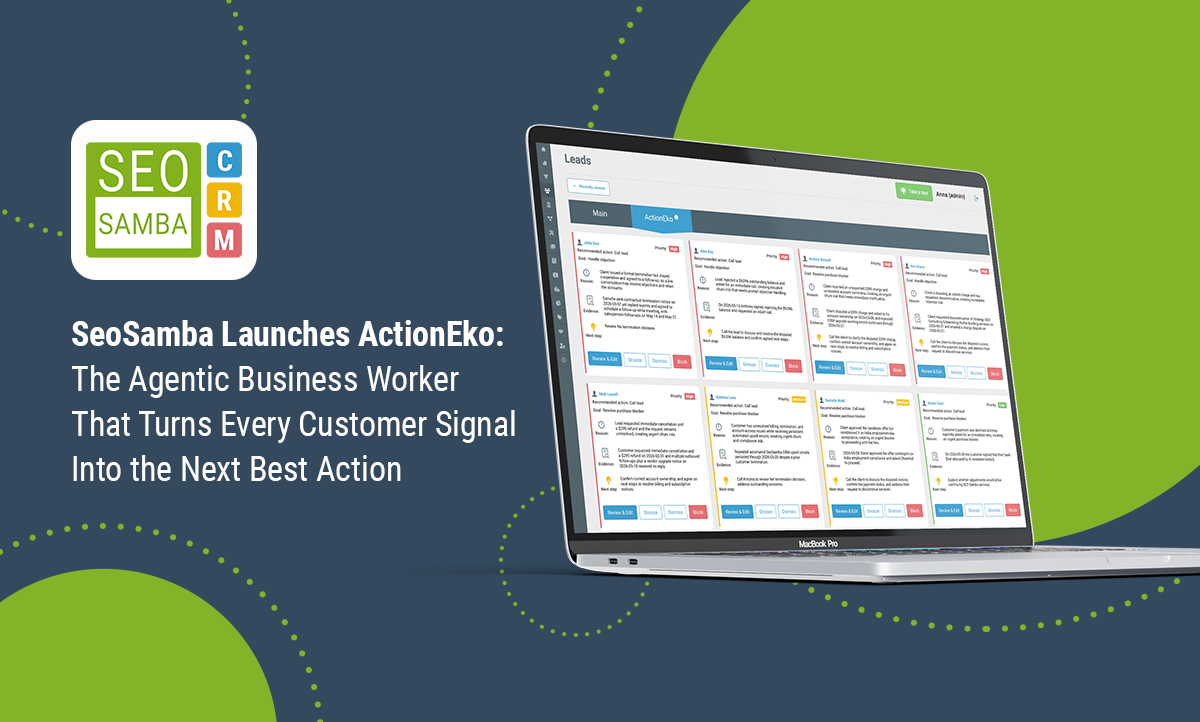
Instead of relying on users to manually detect every risk, objection, billing issue, cancellation request, or purchase blocker, ActionEko continuously reviews available CRM information and surfaces recommended actions for your team.
The goal is simple: help CRM users focus faster on the leads, customers, and accounts that need attention, while reducing the chance that important follow-up opportunities slip through the cracks.
What ActionEko Does
ActionEko reviews CRM context and uses AI to recommend next actions for users. These recommendations are presented as task cards inside the CRM interface.
ActionEko can help identify situations such as:
- Potential churn risk or cancellation intent
- Purchase blockers that may prevent a sale or renewal
- Billing disputes, unresolved balances, or account ownership issues
- Leads or customers who need a direct call or follow-up
- Customer objections that should be addressed quickly
- Urgent account situations that deserve higher visibility and priority
What ActionEko analyzes
- Customer sentiment and tone
- CRM communications and account notes
- Signals of churn, objections, or friction
- Billing, cancellation, or unresolved account issues
- Other relevant CRM context available to the AI
|
|
What ActionEko produces
- Recommended actions for CRM users
- Priority-based task cards
- AI-generated reason and evidence summaries
- Suggested next steps for follow-up
- Faster visibility into accounts that may need attention
|
|
How ActionEko Works
ActionEko continuously evaluates available CRM information and uses AI to determine whether a user should be prompted to take action on a lead, customer, or account.
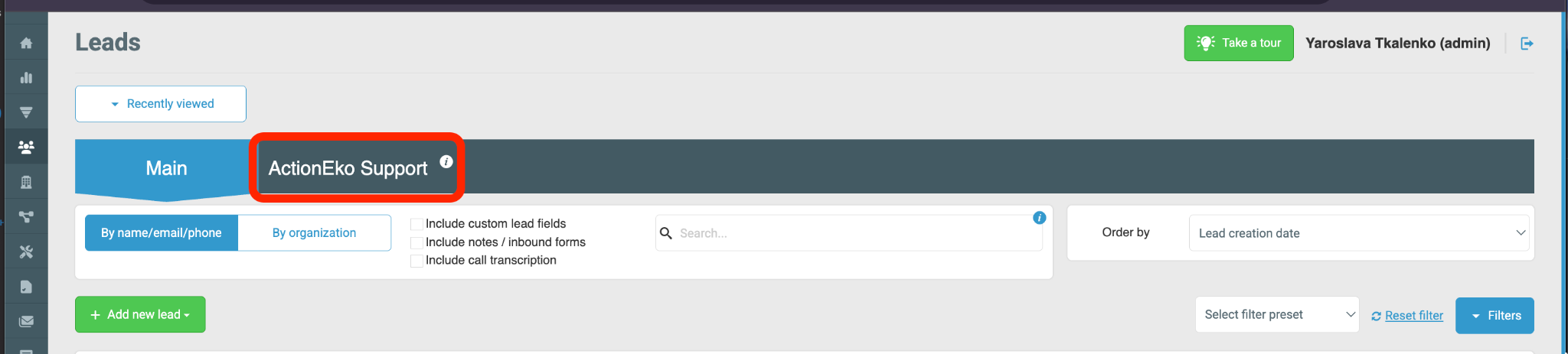
When ActionEko detects a meaningful signal—such as a likely objection, unresolved billing issue, cancellation risk, or another important event—it creates a recommendation card in the CRM. That card summarizes the situation and proposes a next step.
Recommendations may vary depending on the scenario, but a common example is a recommendation to call a lead or customer to resolve a blocker, clarify an issue, or prevent churn.
|
Important: ActionEko recommendations are designed to help your team prioritize and respond faster, but users should still review the context and use their judgment before taking action.
|
Understanding an ActionEko Task Card
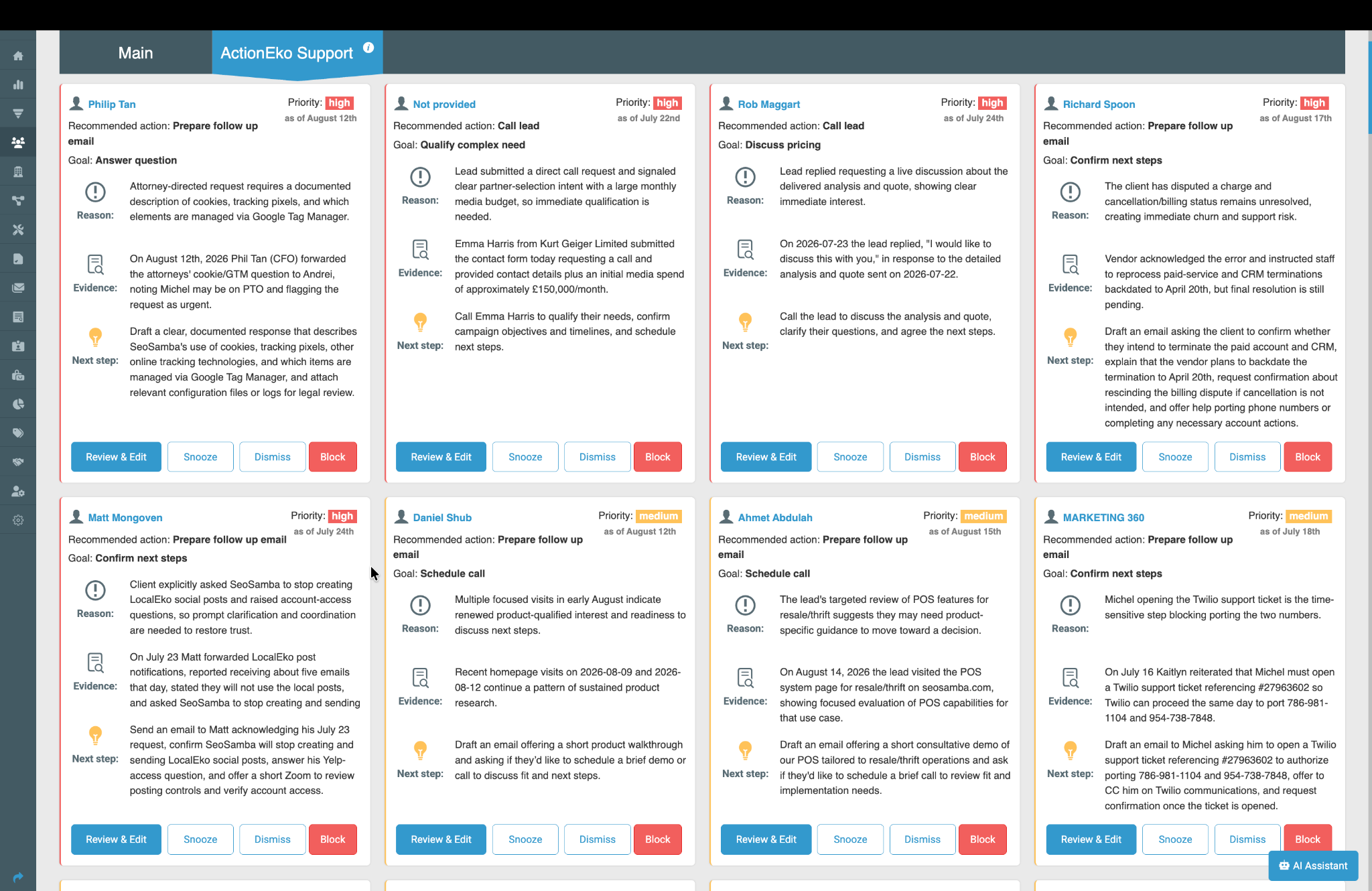
Each ActionEko recommendation appears as a task card inside the CRM. The exact content may vary, but the card is designed to quickly explain what ActionEko found and what the user may want to do next.
A typical ActionEko card may include:
- Contact or account name — the person or record associated with the recommendation
- Priority — for example, High or Medium
- Recommended action — such as calling the lead or customer
- Goal — the intended outcome, such as handling an objection or resolving a purchase blocker
- Reason — a short AI-generated explanation of why the recommendation was created
- Evidence — supporting CRM context, notes, or activity that contributed to the recommendation
- Next step — a suggested action to help the user move the account forward
This structure helps users understand both the why behind the recommendation and the action that ActionEko believes should happen next.
How to Review and Manage ActionEko Tasks
Once ActionEko creates a recommendation, CRM users can review the card and decide how to handle it. The interface may include several task-management actions, such as:
- Review & Edit — open the lead screen to follow thw recommendation, review the context, and make changes if needed before proceeding
- Snooze — postpone the task and revisit it later
- Dismiss — remove the recommendation if no action is needed
- Block — prevent similar recommendations or suppress a task you do not want to pursue in that context
|
In practice, the most common workflow is:
- Open the ActionEko task and review the recommendation.
- Read the AI-generated reason and evidence summary.
- Confirm whether the recommendation makes sense based on the account context.
- Take the suggested next step, such as calling the lead or resolving the issue internally.
- Dismiss, snooze, or block the recommendation if it is not relevant.
Best Practices
- Review high-priority ActionEko tasks first, especially those related to churn risk, disputes, or unresolved blockers.
- Use the evidence and reason sections to understand why the recommendation was generated before contacting the customer.
- Treat ActionEko as a prioritization assistant, not as a replacement for human judgment.
- Update, snooze, dismiss, or block tasks as needed so the ActionEko workspace stays relevant and manageable.
- Use ActionEko to speed up follow-up decisions and reduce missed opportunities in your CRM pipeline.
Related Articles
LocalEko — Learn how SeoSamba’s AI marketing worker transforms customer reviews into social content and other marketing assets.
SeoSamba CRM — Explore CRM tools for customer management, follow-up, and sales productivity.
|



 sales:
  sales: